

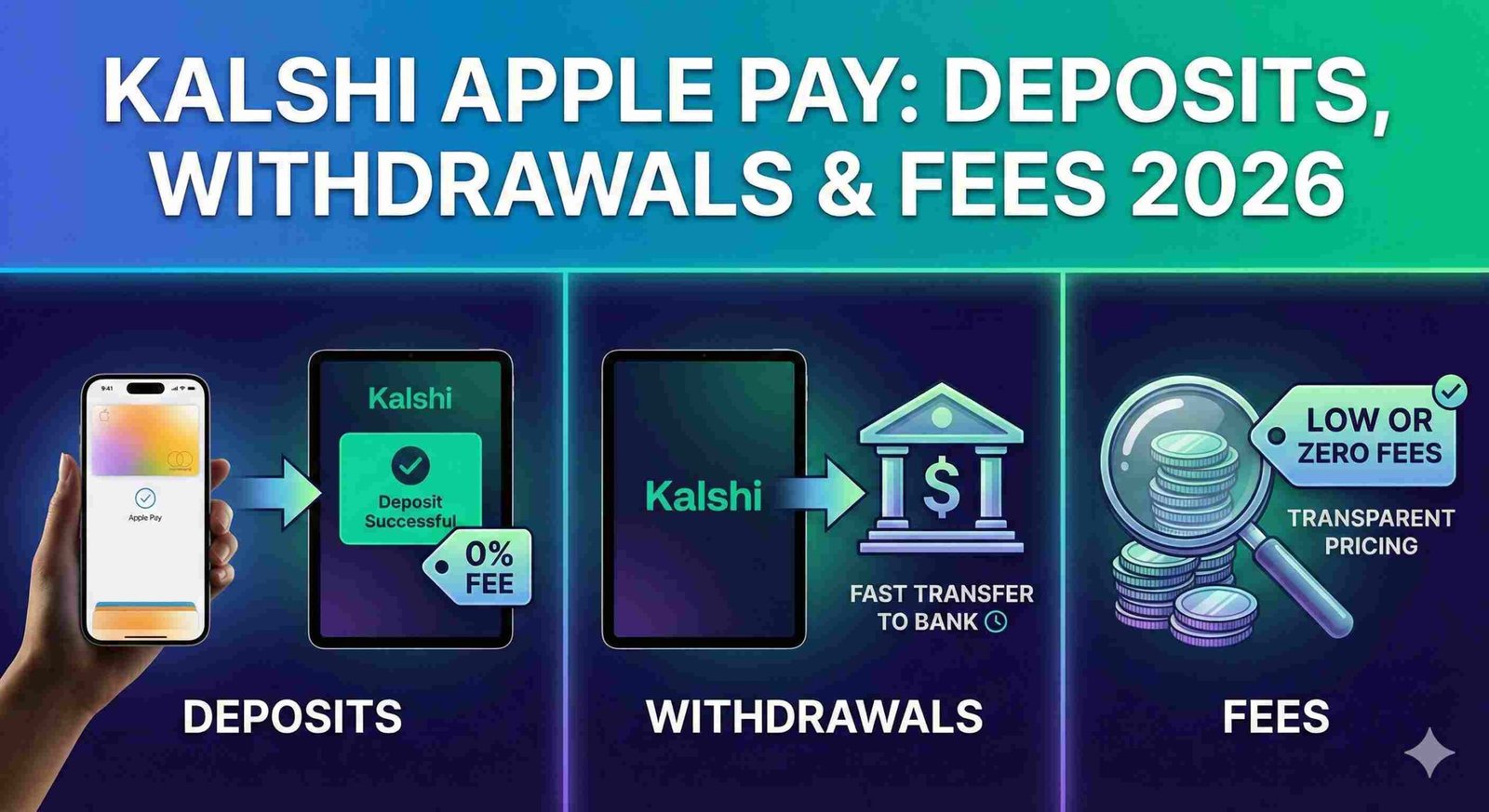
Can you use Apple Pay on Kalshi? Yes, Kalshi supports Apple Pay for both deposits and withdrawals, making it one of the fastest payment methods on the platform.
Apple Pay deposits are instant with a 2% fee, while withdrawals take approximately 30 minutes and cost a flat $2.
Kalshi processes Apple Pay transactions through debit card rails, meaning your funds move through the same infrastructure as standard debit card payments. Currently, Apple Pay deposits appear in your account immediately and you can trade right away.
However, there is a 3-day security hold before you can withdraw those same funds, and the platform caps Apple Pay transactions at $2,500 per day.
Understanding Kalshi Apple Pay fees and processing times is critical for managing your trading capital efficiently. While Apple Pay offers speed advantages over ACH bank transfers (which take 1 to 3 business days), the 2% deposit fee can add up quickly for frequent traders.
This guide breaks down everything you need to know about using Apple Pay on Kalshi, from deposit speeds to common troubleshooting steps.
How Apple Pay Works on Kalshi?
To use Apple Pay on Kalshi, you first ensure your Apple Pay is set up on your device and linked to a valid debit card. When you select “add funds” in your Kalshi account and choose Apple Pay as your deposit method, you enter the desired amount and confirm the transaction using Face ID, Touch ID, or your device passcode.
Apple Pay on Kalshi operates on debit card rails, not credit card networks. This distinction is important because it means Apple Pay transactions are processed as debit card payments, subject to the same fees and processing times as direct debit card entries. Many users initially misunderstand this and expect Apple Pay to function differently from standard debit transactions, but the backend processing is identical.
The platform processes Apple Pay through the same payment infrastructure that handles physical debit card transactions. This means your funds move through standard debit card payment processors rather than through a separate Apple Pay specific channel.
Kalshi Apple Pay Withdrawal Time
Apple Pay withdrawals on Kalshi are typically instant, with funds arriving back to your card within 30 minutes of withdrawal completion. This makes Apple Pay one of the fastest withdrawal methods available on the platform, significantly faster than ACH bank transfers which can take 1 to 3 business days.
However, withdrawal timing depends on when your deposited funds clear the security hold period. Funds deposited via Apple Pay or debit card must remain in your account for 3 days before becoming available for withdrawal. This means if you deposit $500 via Apple Pay on Monday, you can withdraw those specific funds starting Thursday, though the actual withdrawal process will still be instant once initiated.
Weekend and holiday processing does not typically affect Apple Pay withdrawals, since they process through debit card networks that operate continuously. The 30 minute timeframe applies regardless of when you initiate the withdrawal.
After market resolution, you must first move funds from your positions to your cash balance before withdrawing, but once funds are in cash, the withdrawal itself remains instant. For a complete breakdown of how long Kalshi takes to pay out across all payment methods, see our detailed payout timeline guide.
Kalshi Apple Pay Deposit Time
Deposits via Apple Pay are processed instantly on Kalshi, allowing you to start trading immediately after the transaction confirms. This instant availability makes Apple Pay significantly faster than ACH bank transfers, which can take several hours to days to clear.
There is no holding or settlement delay for trading purposes when you deposit via Apple Pay. Your funds appear in your Kalshi cash balance immediately, and you can use them to enter positions right away. This contrasts sharply with bank transfers, where funds might show in your account but take time to fully settle.
The critical difference between deposit speed and withdrawal speed lies in the security hold period. While your Apple Pay deposit is instant and immediately available for trading, those same funds are subject to a 3 day hold before you can withdraw them. This means deposits are instant for trading but not for withdrawal eligibility, a distinction that catches many new users off guard.
Kalshi Apple Pay Fees
Kalshi charges a 2% processing fee on all Apple Pay deposits. This means if you want to deposit $100, you will actually pay $102 total. The 2% fee is standard across all debit card payment methods on Kalshi, whether you use Apple Pay, Google Pay, or enter your debit card details manually.
For withdrawals, Kalshi charges a flat $2 fee when you withdraw funds via Apple Pay or any debit card method. This flat fee structure means withdrawing $100 or $2,000 costs the same $2, making larger withdrawals more cost-efficient on a percentage basis.
Apple Pay itself does not add any additional fees beyond what Kalshi charges. There are no hidden costs or surprise charges from Apple’s payment processing. The 2% deposit fee and $2 withdrawal fee are the only costs you will encounter when using Apple Pay on Kalshi.
Kalshi Apple Pay Not Working: Common Reasons
Verification issues are the most common reason Apple Pay fails on Kalshi. The platform occasionally requires additional verification for security purposes, which can cause transactions to be delayed or rejected. This is often a random security check rather than an indication you have done something wrong, and the transaction typically completes once verification finishes.
Bank or card restrictions frequently block Apple Pay transactions. Your card issuer might flag Kalshi transactions as potentially risky and decline them.
To resolve this, contact your bank directly and ask them to allow transactions to Kalshi. Some banks automatically block prediction market platforms without prior authorization.
3D Secure authentication problems can prevent Apple Pay from working properly. If you encounter 3DS issues, try updating your Kalshi app to the latest version, ensure you are using stable Wi Fi with any VPN disabled, or restart the app and try again. Switching between the Kalshi app and website can also resolve authentication conflicts.
Apple Pay might not show as an option if you are using an outdated app version or if there is a temporary service disruption.
Users have also reported instances where Apple Pay withdrawals appeared successful but funds did not arrive in their Apple Wallet, which typically requires contacting Kalshi support to resolve.
The $2,500 daily limit on Apple Pay transactions can also make it appear that deposits are not working when you have already reached your daily maximum.
Apple Pay vs Bank Transfer on Kalshi
| Feature | Apple Pay | Bank Transfer (ACH) |
|---|---|---|
| Deposit Speed | Instant | Several hours to days |
| Withdrawal Speed | 30 minutes | 1 to 3 business days |
| Deposit Fee | 2% | $0 |
| Withdrawal Fee | $2 flat | $0 |
| Daily Limit | $2,500 | Varies by bank |
| Security Hold | 3 days | 7 to 90 days depending on withdrawal method |
| Best Use Case | Quick trades, smaller amounts | Larger deposits, cost conscious users |
Apple Pay offers speed advantages for traders who need immediate access to funds or want fast withdrawals after closing positions. The instant deposit capability makes it ideal for capturing time sensitive market opportunities.
Bank transfers are more cost effective for larger deposits since there are no percentage based fees, making them preferable for users depositing thousands of dollars at once.
The security hold period is actually shorter for Apple Pay deposits (3 days) compared to bank transfers (7 to 90 days depending on whether you withdraw to the same bank or a different institution).
This makes Apple Pay faster for the complete deposit and withdrawal cycle if you plan to move funds in and out relatively quickly.
Is Apple Pay Safe and Reliable on Kalshi
Apple Pay on Kalshi is safe and operates under the same regulatory framework that governs all of Kalshi’s financial operations.
Kalshi is a CFTC regulated exchange, meaning it must comply with strict financial regulations including security standards for payment processing. The platform uses industry standard payment processors for debit card and Apple Pay transactions.
The security holds that Kalshi places on deposited funds, while potentially frustrating, actually enhance safety by preventing fraudulent deposits and chargebacks.
The 3 day hold on Apple Pay deposits protects both the platform and legitimate users from payment reversals and unauthorized transactions.
Delays sometimes happen with Apple Pay withdrawals due to additional verification requirements from Kalshi’s payment processor. These random security checks are normal risk management procedures and do not indicate any problem with your account.
While the standard withdrawal time is 30 minutes, occasional delays for verification can extend this to several hours or longer in rare cases.
The $2,500 daily limit on Apple Pay transactions is another security measure designed to limit exposure from any single payment method. Users moving larger amounts should plan to either make multiple transactions across several days or use bank transfers for amounts exceeding this threshold.
Does Kalshi accept Apple Pay?
Yes, Kalshi accepts Apple Pay for both deposits and withdrawals. Apple Pay functions as a debit card payment method on the platform and is available to all US users who have Apple Pay configured on their device.
How long do Kalshi Apple Pay deposits take?
Kalshi Apple Pay deposits are instant. Your funds appear in your cash balance immediately after confirmation, allowing you to start trading right away.
How long do Kalshi Apple Pay withdrawals take?
Kalshi Apple Pay withdrawals typically take 30 minutes to arrive back in your account. However, deposited funds must remain in your account for 3 days before becoming eligible for withdrawal.
What fees does Kalshi charge for Apple Pay?
Kalshi charges a 2% fee on Apple Pay deposits and a flat $2 fee for Apple Pay withdrawals. There are no additional fees from Apple Pay itself.
Why is my Apple Pay not working on Kalshi?
Common reasons include verification requirements, bank restrictions blocking Kalshi transactions, 3D Secure authentication issues, outdated app versions, or reaching the $2,500 daily limit for Apple Pay transactions.
What is the Apple Pay limit on Kalshi?
The daily limit for Apple Pay transactions on Kalshi is $2,500. Users needing to move larger amounts should use bank transfers or make multiple transactions across several days.
Is Apple Pay or bank transfer better for Kalshi?
Apple Pay is better for quick trades and smaller amounts (instant deposits, 30-minute withdrawals). Bank transfers are better for larger deposits and cost-conscious users (no fees but slower processing times of 1-3 business days).
Can I withdraw Kalshi winnings to Apple Pay?
Yes, you can withdraw Kalshi winnings to Apple Pay. Withdrawals cost $2 and typically arrive within 30 minutes, but funds must clear the 3-day security hold period first.
